December 2025

Share it 🚀

The What's New for December 2025!

The end of the year is approaching, Christmas is just around the corner, and at TimeTonic, we're giving you your gifts a little early!

This month, you'll find some wonderful improvements and new features under your tree, all designed to make your workspaces even more powerful, including:

🎨 WYSIWYG form editor
🔗 Display field dependencies
🗓️ Add a calendar to the Timeline view
📋 New SmartText options
🔑 More security options
...and much more!

Also find the recordings of the different parts of our Keynote 2025, the experience feedback from Quentin Demanet of the AP-HP DRCI, and as every month, our video tutorials!

Happy reading and great discoveries! ✨

­

New Features

Form View — WYSIWYG Editing

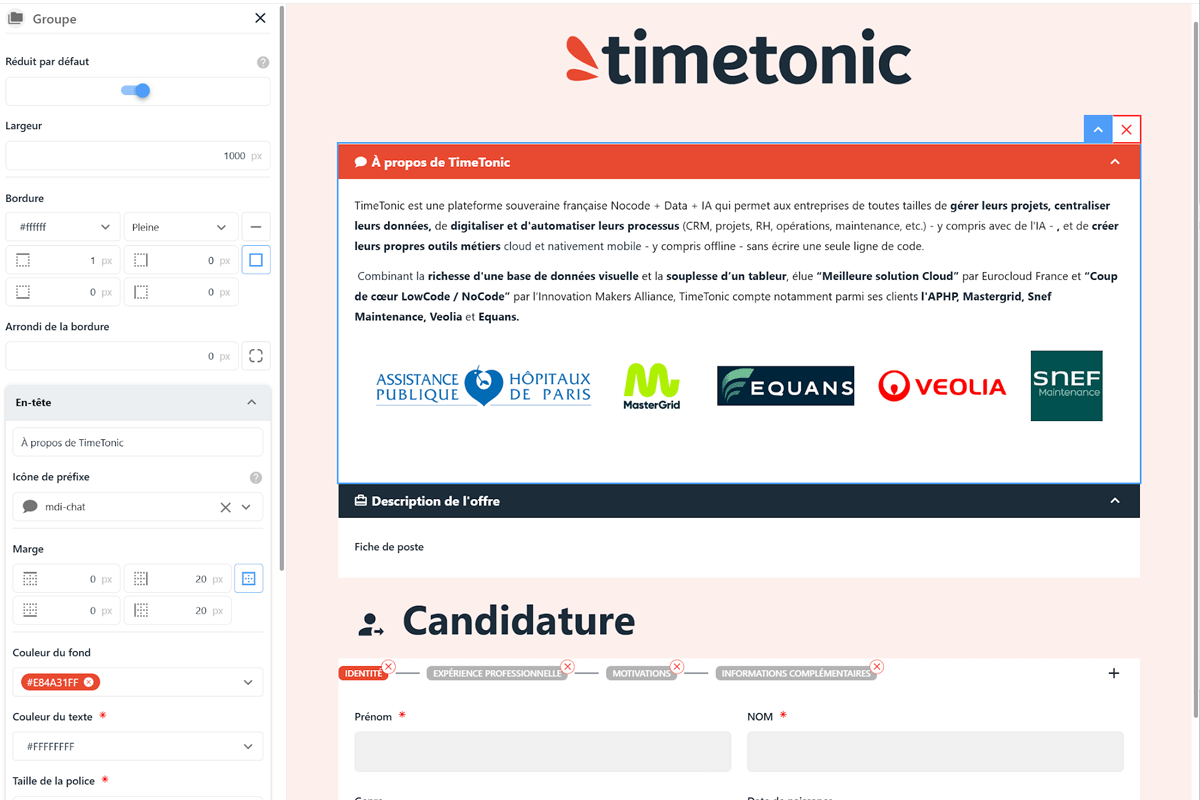
Introduced at our Keynote 2025, the WYSIWYG (what you see is what you get) form editor allows you to create more complete forms that are more faithful to your brand image.

You can now:

  • Build your forms using drag-and-drop, without writing a single line of code.

  • Immediately preview the final result to easily adjust the structure, fields, colors, or sections.

  • Speed up the deployment of your internal and external processes, even for non-technical teams.

  • Add a description, insert icons, create groups, add blocks, change colors, insert images, adjust corner rounding, or define the number of columns to display, and more.


Visit our help center by clicking here to learn everything about this major new feature!

Adding a Calendar to the Timeline View

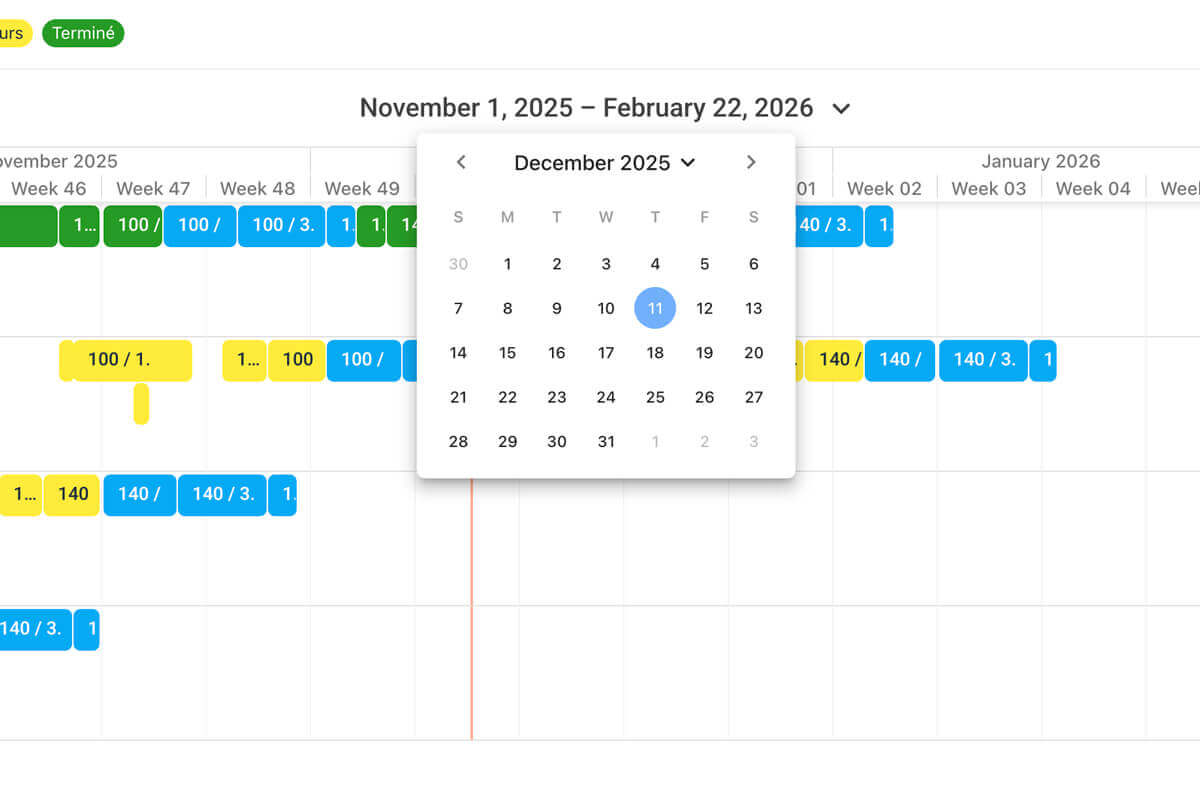
To simplify navigation in your Timeline views, you can now click on the date at the top of the Timeline to display a calendar and quickly jump to the desired date.

You can also resize the column displaying the row legend of the Timeline and choose to display it on one or more lines, for a simpler and cleaner reading of your Timeline.

Visit our help center by clicking here to learn everything about this major new feature!

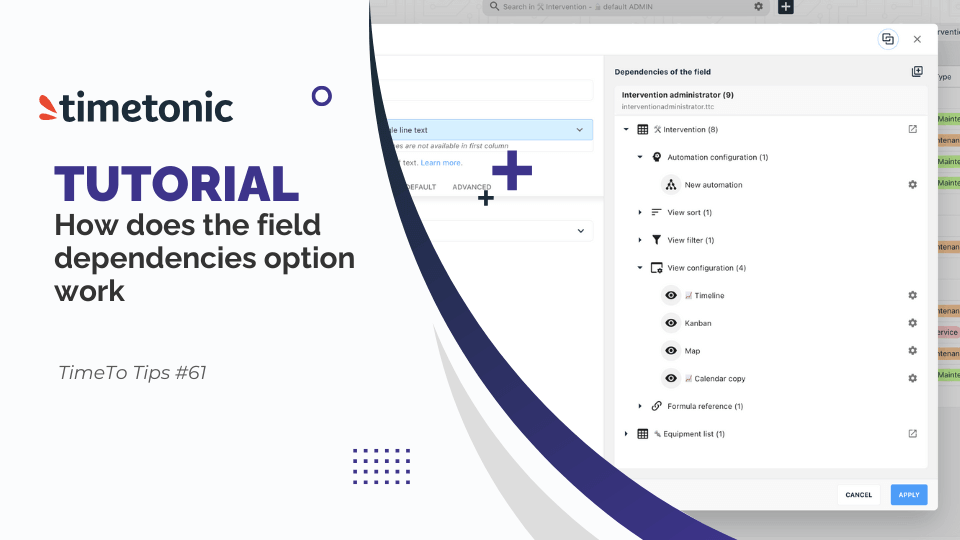
Display Field Dependencies

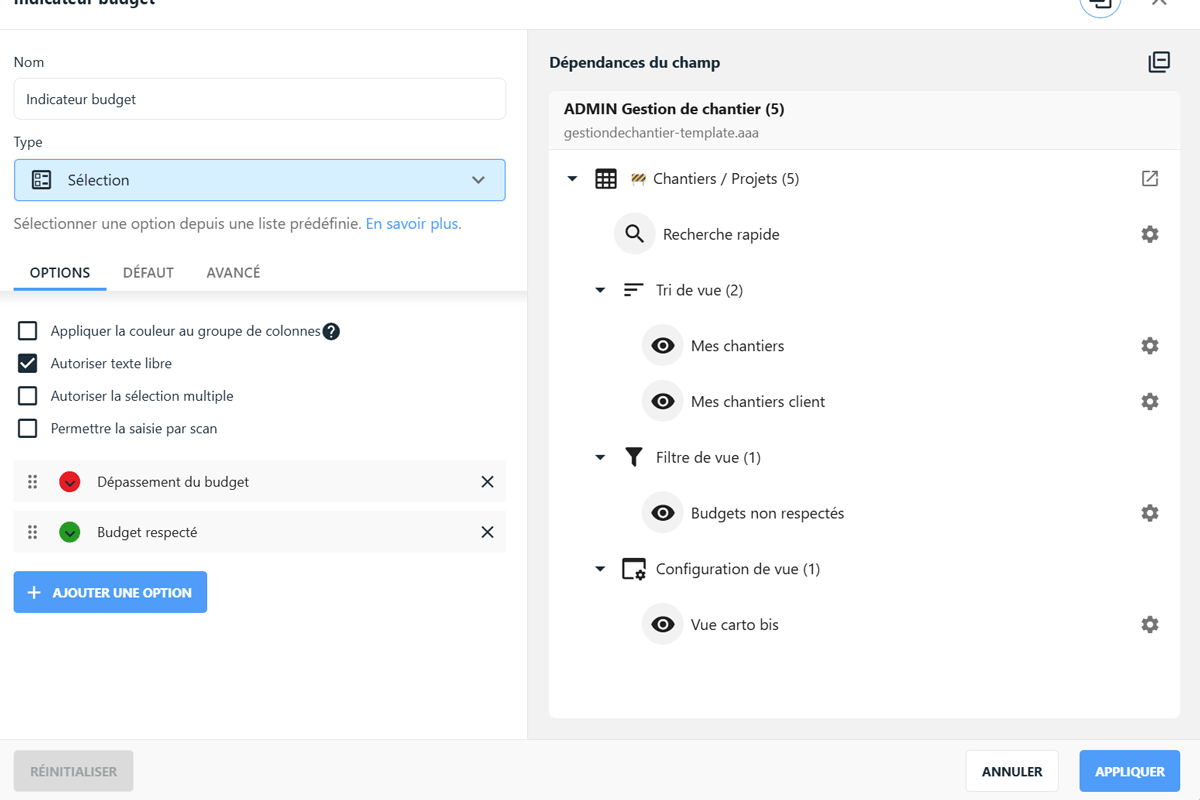
You now have an option to display and visualize the different places where a field is used in your workspace.

This feature also prevents deletion of the field as long as dependencies are active, securing your processes.

Visit our help center by clicking here to learn everything about this new feature!

­

Also:


New SmartText options:
 

  • When a SmartText is read-only, the editing menu bar is now hidden;

  • It is now possible to use an image field as a variable, not just insert a static image.

  • You can also use a signature-type field as an image variable in your SmartText;

  • Finally, when using a URL-type field, you can now display custom text instead of the URL address;

    Learn more
     

New options for "selection from another table's list" column type:
 

  • The "cache performance" option saves the different values of this list in the browser cache, which is very useful for lists with hundreds or thousands of choices, reducing display time;

  • A new option also allows adding filters directly in this column to display only the necessary values;

    Learn more


Security:
 

  • For administrators, a new column now allows forcing two-factor authentication for notebook users;

  • Another column also allows forcing or disabling SSO (single sign-on) for those same users;

    Learn more


Other additions:
 

  • In the "Organize columns" option, you can now copy the table ID by clicking on it;

  • In an attachment field, when the "allow a single file" option is checked, you can now replace the file by drag-and-drop, which overwrites the old one;

  • In the "Field restrictions" window, a counter now shows the number of fields by status (read/write, read-only, invisible);

  • You can now add a conditional required field;

    Learn more

  • Addition of a new "distance" formula, allowing the calculation of the straight-line distance between point A and point B;

  • Changing the color of a notebook is now available for notebook administrators, in addition to the owner;

  • By clicking the Help button in your workspaces (at the bottom of the blue left menu), you now have access to the release notes.

Around TimeTonic

Recap of our NoCode, Data & AI Event

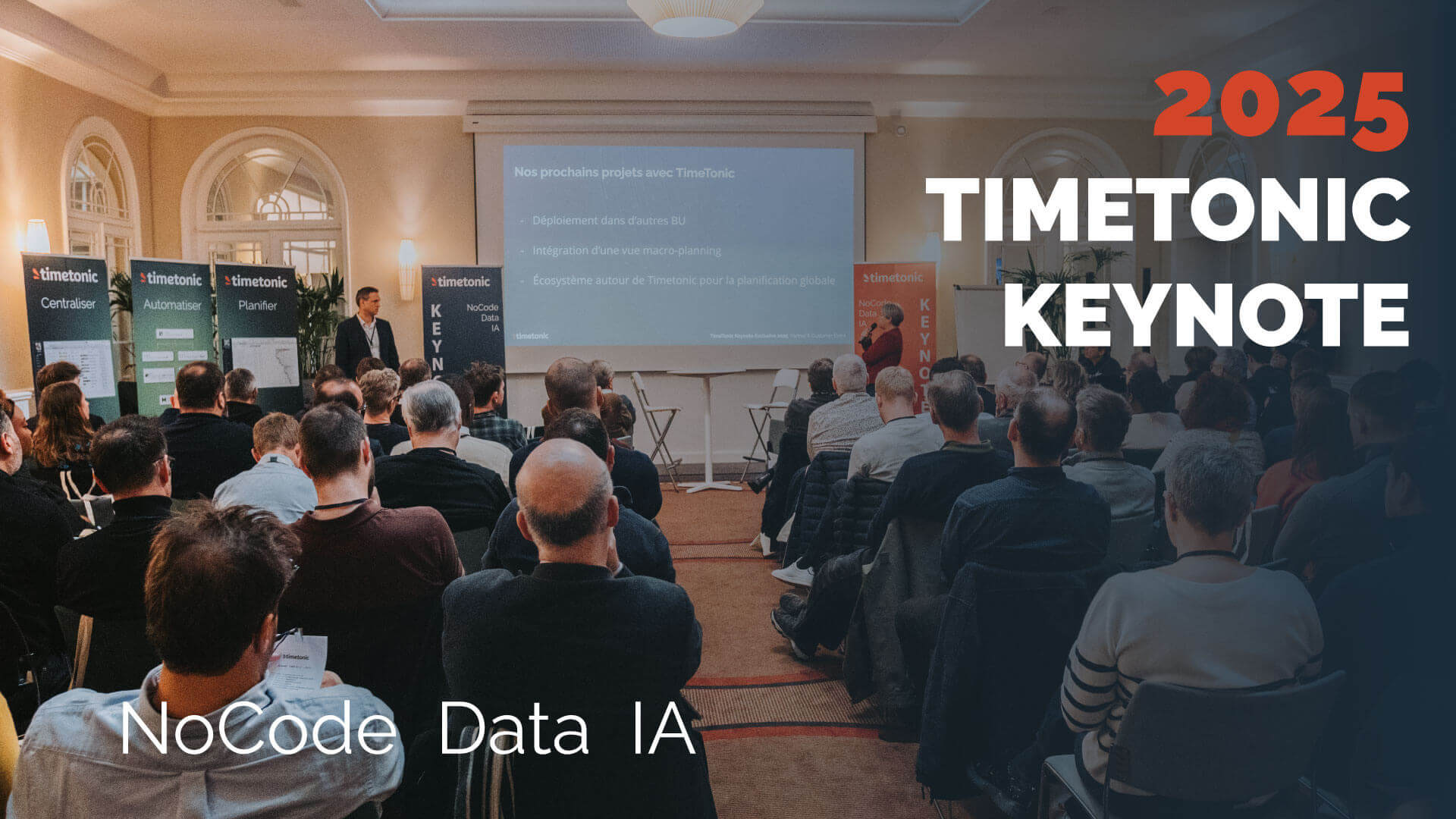
On Thursday, November 27th, the 3rd edition of our annual event dedicated to our clients and partners took place. It brought together more than 130 people in Paris and nearly 50 live participants on LinkedIn and YouTube.


This event was an opportunity to look back at the new features released this year on the platform, present professional applications created by our clients, and unveil upcoming developments (new mobile and web version, AI, etc.).


Beyond bringing together those who make TimeTonic an essential NoCode reference, it was also an occasion to highlight that IT departments and business teams can work closely together to build exceptional tools.

Watch the recordings

AP-HP Case Study at the CHU Healthtech Connexion Day in Bordeaux

We were at the Palais des Congrès in Bordeaux on Tuesday, December 9th to present the full power of NoCode combined with data and AI from TimeTonic to healthcare actors in the Nouvelle-Aquitaine region.


Quentin Demanet, Deputy Director of Clinical Research and Innovation (DRCI) at AP-HP, and Jean-Michel Durocher, CEO of TimeTonic, were invited to discuss NoCode, data, AI, digital sovereignty and the collaboration between software publishers and university hospitals to optimize the operational performance of departments — from the DRCI to HR — through the digitization and automation of processes.

Watch the case study
­

Testimonial

"A user since 2018, I can only recommend TimeTonic!
A solution as powerful as it is agile, and a top-notch team.

TimeTonic has been supporting me for years in managing my projects, and I am always impressed by its incredible flexibility, the richness of possible automations, and above all its powerful collaborative features.

A truly all-in-one solution, scalable and ultra-efficient.

Bravo for this French gem, and thank you again for your unwavering support all these years!"


Grégory Boumendil

CEO of GMAF Assurances

­

Do you like TimeTonic?

Leave a review on Google

Build Your Skills

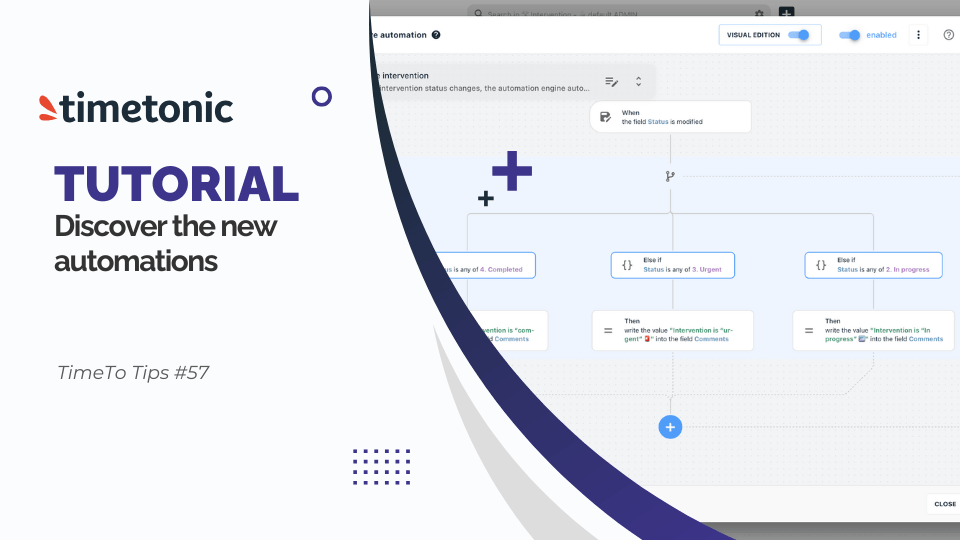
How to Use the New TimeTonic Automations

Discover TimeTonic's new visual automation engine and easily create more powerful business scenarios using its advanced triggers, actions, and conditions.

Watch the tutorial

How to Use the "Field Dependencies" Option in TimeTonic?

Discover how to use the "Field Dependencies" option in TimeTonic to analyze the impact of changes and secure workspace configurations.

Watch the tutorial
Suscribe to our newsletter