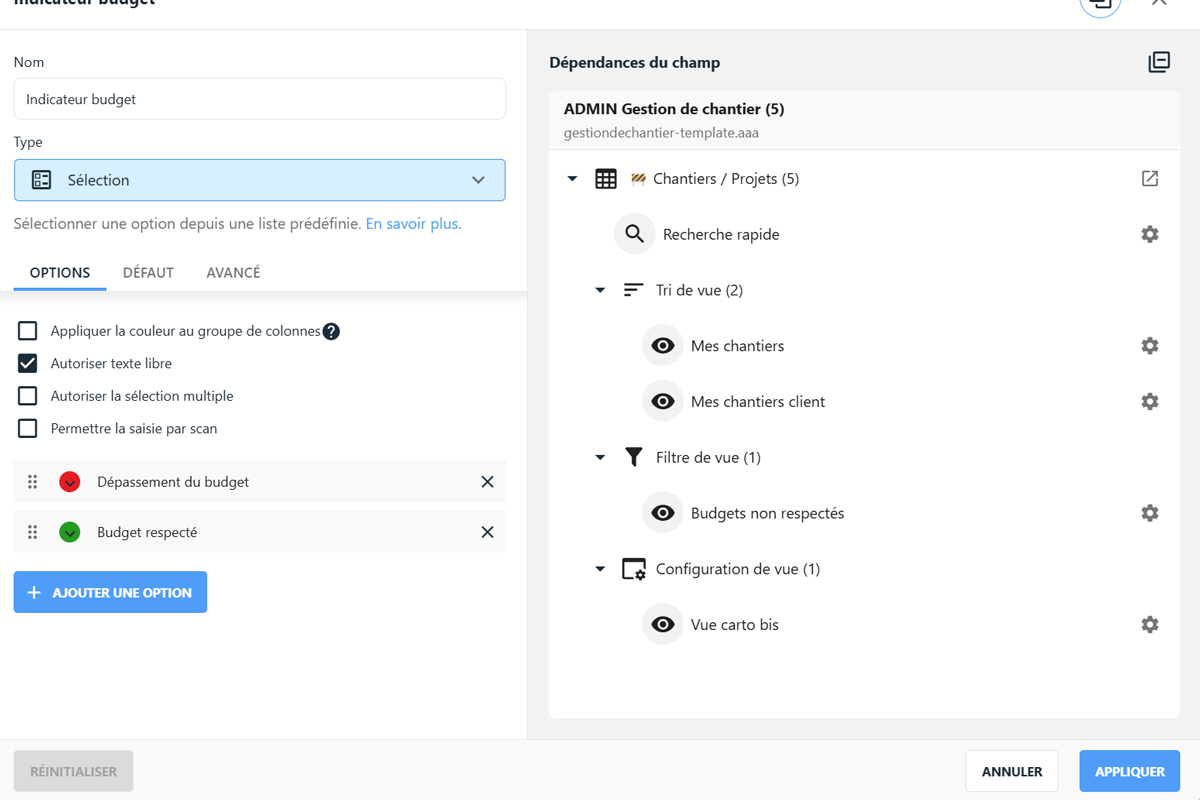
The end of the year is approaching, Christmas is just around the corner, and at TimeTonic, we're giving you your gifts a little early!
This month, you'll find some great improvements and new features under your tree to make your workspaces even more efficient, including:
🎨 WYSIWYG form
🔗 Display field dependencies
🗓️ Add a calendar to the Timeline view
📋 New options for SmartText
🔑 More security options
and much more!
You can also find replays of the different parts of our Keynote 2025 & feedback from Quentin Demanet of the DRCI of the AP-HP.
Main new features
Form view - WYSIWYG editing
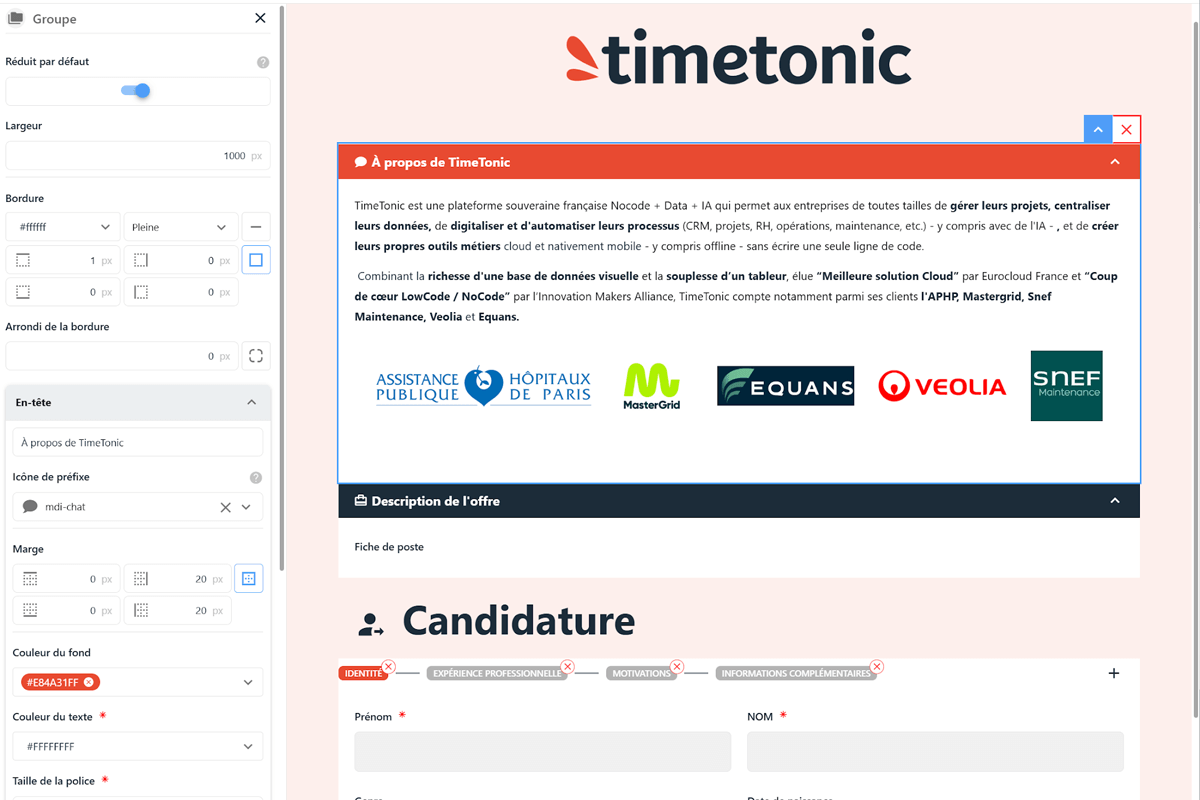
Introduced during our Keynote 2025, WYSIWYG (what you see is what you get) form editing now allows you to create more comprehensive forms that better reflect your brand image.
You can now:
Build your forms using drag and drop, without writing a single line of code.
Immediately view the final result to easily adjust the structure, fields, colors, or sections.
Speed up the online publication of your internal and external processes, even for non-technical teams.
Add a description, insert icons, create groups, add blocks, change colors, insert images, adjust corner rounding, or set the number of columns to display, etc.
To simplify navigation in your Timeline views, you can now click on the date at the top of the Timeline to display a calendar and quickly access the desired date.
You can also change the size of the column displaying the Timeline line legend and choose to display it on one or more lines, for easier and clearer reading of your Timeline.
When a SmartText is read-only, the editing menu bar is now hidden.
It is now possible to use an image field as a variable, rather than just inserting a static image.
You can also use a signature field as an image variable in your SmartText;
Finally, when using a URL field, you can now display custom text instead of the URL address;
New options for columns of the “selection from a list in another table” type:
The “cache performance” option saves the different values in this list in the browser cache, which is very useful for lists containing several hundred or thousand choices, reducing the time it takes to display the values.
A new option also allows you to add filters directly to this column in order to display only the necessary values.
In the “Organize columns” option, you can now copy the table ID by clicking on it;
In an attachment field, when the “allow only one file” option is checked, you can now replace the file by dragging and dropping, which will overwrite the old one;
In the “Field Restrictions” window, a counter now displays the number of fields according to their status (read/write, read-only, invisible).
You can now add a conditional required field. Find out more by clicking here
Addition of a new “distance” formula, allowing you to calculate the distance as the crow flies between point A and point B.
Changing the color of a notebook is now available to notebook administrators, in addition to the owner.
By clicking on the Help button in your workspaces (at the bottom of the blue menu on the left), you now have access to release notes.
In the TimeTonic ecosystem
A look back at our NoCode, Data & AI event
On Thursday, November 27, we held the third edition of our annual event dedicated to our customers and partners. It brought together more than 130 people in Paris and nearly 50 participants live on LinkedIn and YouTube.
This event was an opportunity to review the new features that have appeared on the platform this year, to present the professional applications created by our customers, and to unveil upcoming developments (new mobile and web versions, AI, etc.).
Beyond bringing together those who make TimeTonic an essential reference in NoCode, it was also an opportunity to remind everyone that IT departments and business teams can work closely together to create exceptional tools.
AP-HP feedback at the CHU Healthtech Connexion Day in Bordeaux
On Tuesday, December 9, we were at the Bordeaux Convention Center to present the power of NoCode combined with TimeTonic's data and AI to healthcare professionals in the Nouvelle-Aquitaine region.
Quentin Demanet, Deputy Director of Clinical Research and Innovation (DRCI) at AP-HP, and Jean-Michel Durocher, CEO of TimeTonic, were invited to discuss NoCode, data, AI, digital sovereignty, and collaboration between software publishers and university hospitals to optimize the operational performance of departments, from DRCI to HR, through the digitization and automation of processes.


.jpg)
.jpg)