March 2026

Share it 🚀

The What's New of March 2026!

As announced for several months, this March What's New brings a major new feature that our teams have been working on for many months.
 
TimeTonic strengthens its AI offering and now provides new options to better support your AI automation needs, simpler, more secure, and sovereign.
 
🤖 Public cloud AI
🔐 Private & secure AI
📐 Dedicated AI server

Learn more by reading our complete guide and the dedicated support articles.

As every month, also find all our latest news.

Happy reading and great discoveries ✨

­

New Features

TimeTonic Strengthens its AI Offering: Flexibility, Sovereignty, and Control for Your Automations

Artificial intelligence in TimeTonic is evolving to meet the security and confidentiality requirements of all organizations, regardless of their regulatory, technical, or budgetary constraints.


TimeTonic now offers the ability to use AI credits — with a minimum of 2 million included in PRO and 20 million included in Business, at no extra cost! — and three AI options to benefit from in your automations:


  • Public cloud AI, which provides access to the largest models on the market (OpenAI, Mistral, Anthropic, Google)


  • Private and secure AI, which gives access to open-source models hosted in France on our sovereign infrastructure, guaranteed without data retention, sharing, or training — ensuring GDPR-compliant use, enabling for example the processing of emails, K-bis, contracts, CVs, etc. in complete confidentiality.
     
  • The ability to connect your own AI server for the most demanding architectures.


Each option is designed to integrate frictionlessly into your existing workflows, with transparent credit management, detailed consumption logs for full explainability compatible with the AI Act, and numerous ready-to-deploy templates.


To discover all these new features, we invite you to read our complete guide on the blog.

Read the article

Around TimeTonic

TimeTonic Demo

In this one-hour webinar, Jean-Michel and Thierry take you through a platform designed both for IT departments (security, governance, sovereignty) and business teams (flexibility, speed, autonomy).


On the agenda:

  • Data centralization and structuring
  • Process digitalization and automation with private AI
  • Activity planning and management (projects, interventions, ticketing…)


A concrete demo to understand how to move away from scattered emails and spreadsheets, rigid and complex tools, lengthy and costly software development, and uncontrolled and unsecured AI.

Watch the demo
­

Testimonial

"TimeTonic enabled us to digitize and automate, in complete security, our first complex workflow within the DRCI in just a few days, and we are now deploying TimeTonic for dozens of other processes as well as for managing numerous projects within AP-HP."


André Desproges

Digital Transformation Project Manager — Head of NoCode TimeTonic Solution Deployment

AP-HP, Clinical Research and Innovation Directorate — DRCI

­

Do you like TimeTonic?

Leave a review on Google

Events

SantExpo 2026

On May 19, 20 and 21, 2026, TimeTonic will be at SantExpo 2026 at Paris Expo Porte de Versailles (Hall 1).


Come and discover how we support healthcare organizations with a secure, sovereign platform tailored to the sector's challenges.


HDS-compliant hosting for your health data 🔐


TimeTonic offers an infrastructure compliant with HDS (Health Data Hosting) requirements:


  • Maximum protection of sensitive data
  • Sovereign hosting
  • Regulatory compliance


Private and secure AI 🤖


Harness the power of AI without compromising on confidentiality:


  • Document processing (invoices, records, reports…)
  • Business process automation
  • 100% private, secure, and GDPR-compliant data
Learn more

Build Your Skills

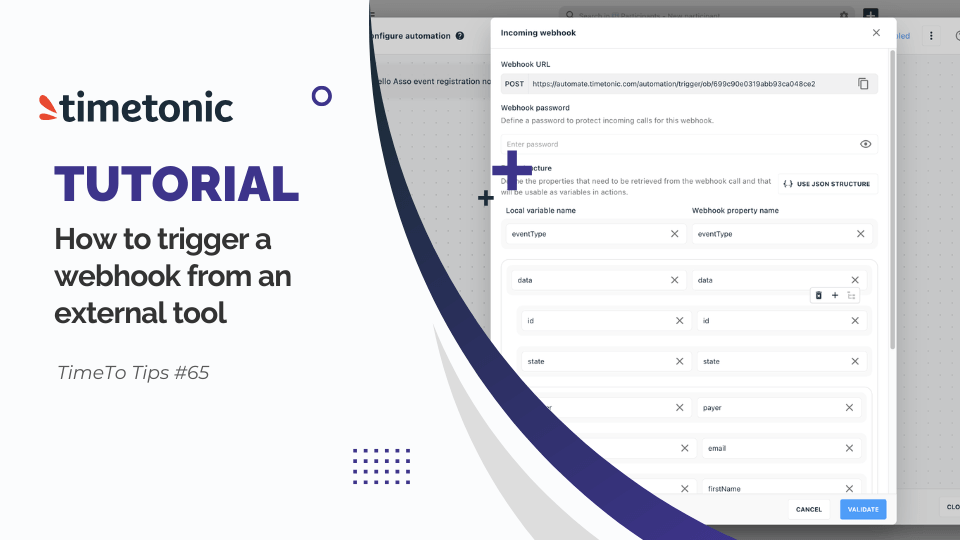
How to Trigger a Webhook from an External Tool in TimeTonic

Discover how to trigger an automation via an incoming webhook from an external tool to TimeTonic. For example, automatically create a new participant (first name, last name, and email) in a specific table.

Watch the tutorial

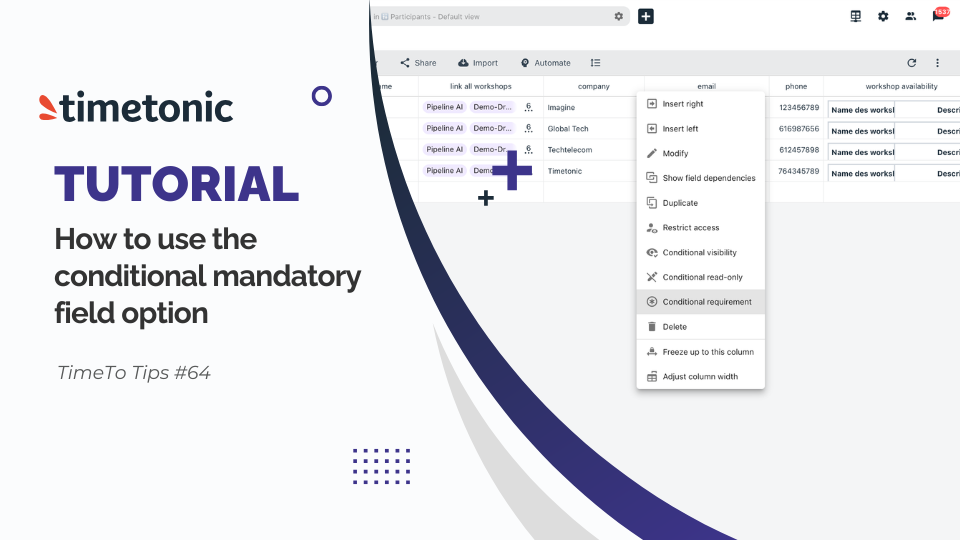
How to Use the Conditional Mandatory Field Option in TimeTonic

Only make a field mandatory when it is truly essential to your process.

Thanks to conditional mandatory fields, you gain flexibility while ensuring the reliability and quality of your data.

Watch the tutorial
Suscribe to our newsletter